> For the complete documentation index, see [llms.txt](https://codemash.gitbook.io/codemash/llms.txt). Markdown versions of documentation pages are available by appending `.md` to page URLs; this page is available as [Markdown](https://codemash.gitbook.io/codemash/cloud/account/support.md).
# Support
Open a support case, follow the conversation, and resolve or close it.
**Where:** avatar menu → **Support** → **Open a Case** · `/account/support`, `/account/support/new`
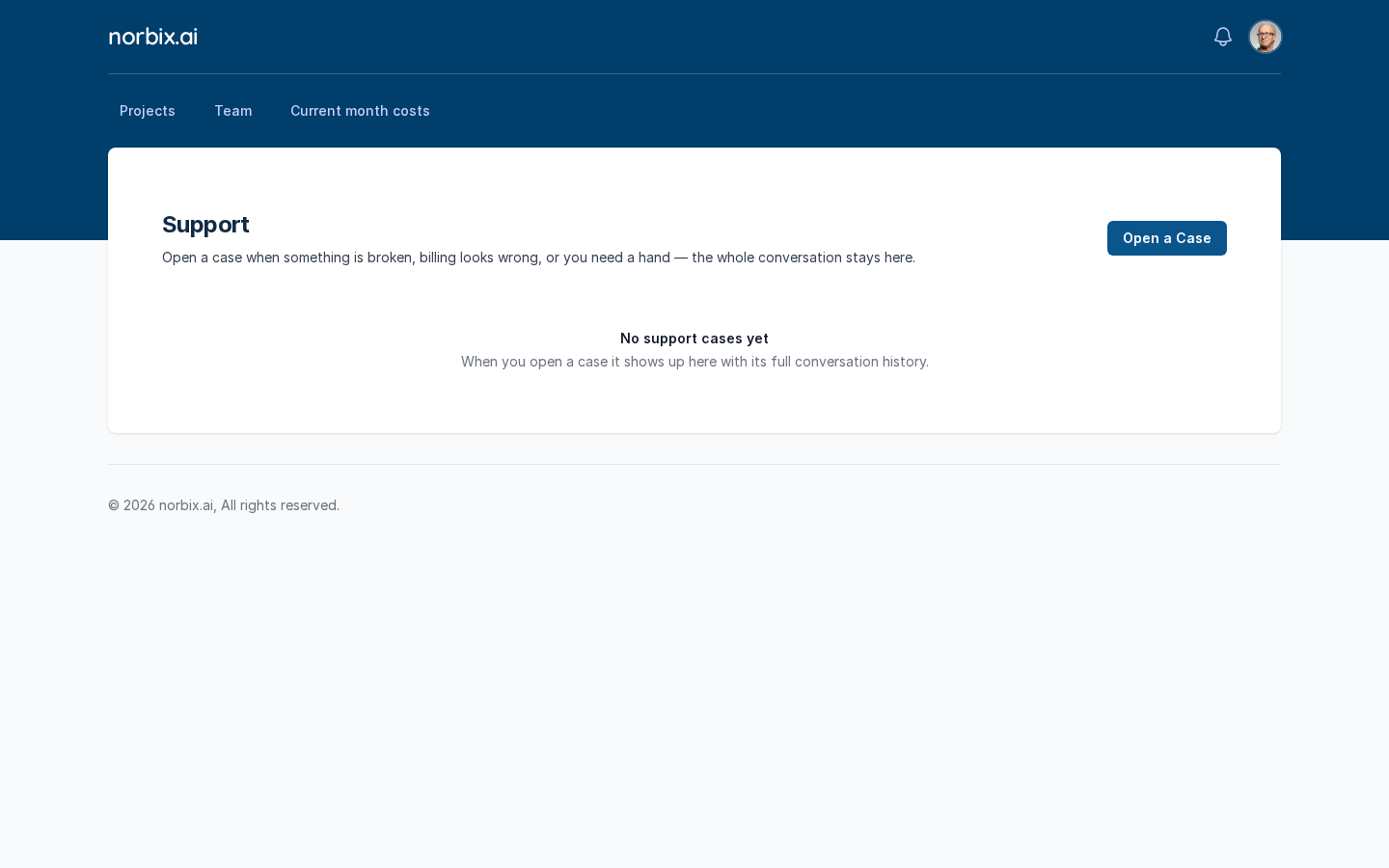
**Support** keeps every case of your account with its whole conversation. Open a case when something is broken, billing looks wrong, or you need help.
No cases yet.
## Before you start
* You need an account role that may handle support tickets (for example **Account Administrator** or **Support Manager**).
* Note the project id (`pr_…`) and any request id or error code you saw — they help a lot.
## Steps
1. Press **Open a Case**.
2. Fill in the form:
| Field | Required | What it does | Example |
| ------------------- | -------- | -------------------------------------------------------------------------------------------------------------------------------------------- | -------------------------------------------------------------------------------------- |
| What is this about? | yes | **Question**, **Bug**, **Incident**, **Billing**, **Security** or **Feature Request**. | **Bug** |
| How urgent is it? | yes | **S1 — Critical** (production down), **S2 — High** (major feature broken, no workaround), **S3 — Normal** (workaround exists), **S4 — Low**. | **S2 — High** |
| Project (optional) | no | The project the case is about, or **Not project-specific**. | `test` |
| Subject | yes | One line. | `Webhooks stopped delivering since yesterday` |
| What happened? | yes | What you expected, what happened instead, since when. | `Since 2026-10-05 18:00 UTC no webhook reaches https://hooks.acme.example.com/norbix…` |
The case form.
3. Press **Open Case**.
## Result
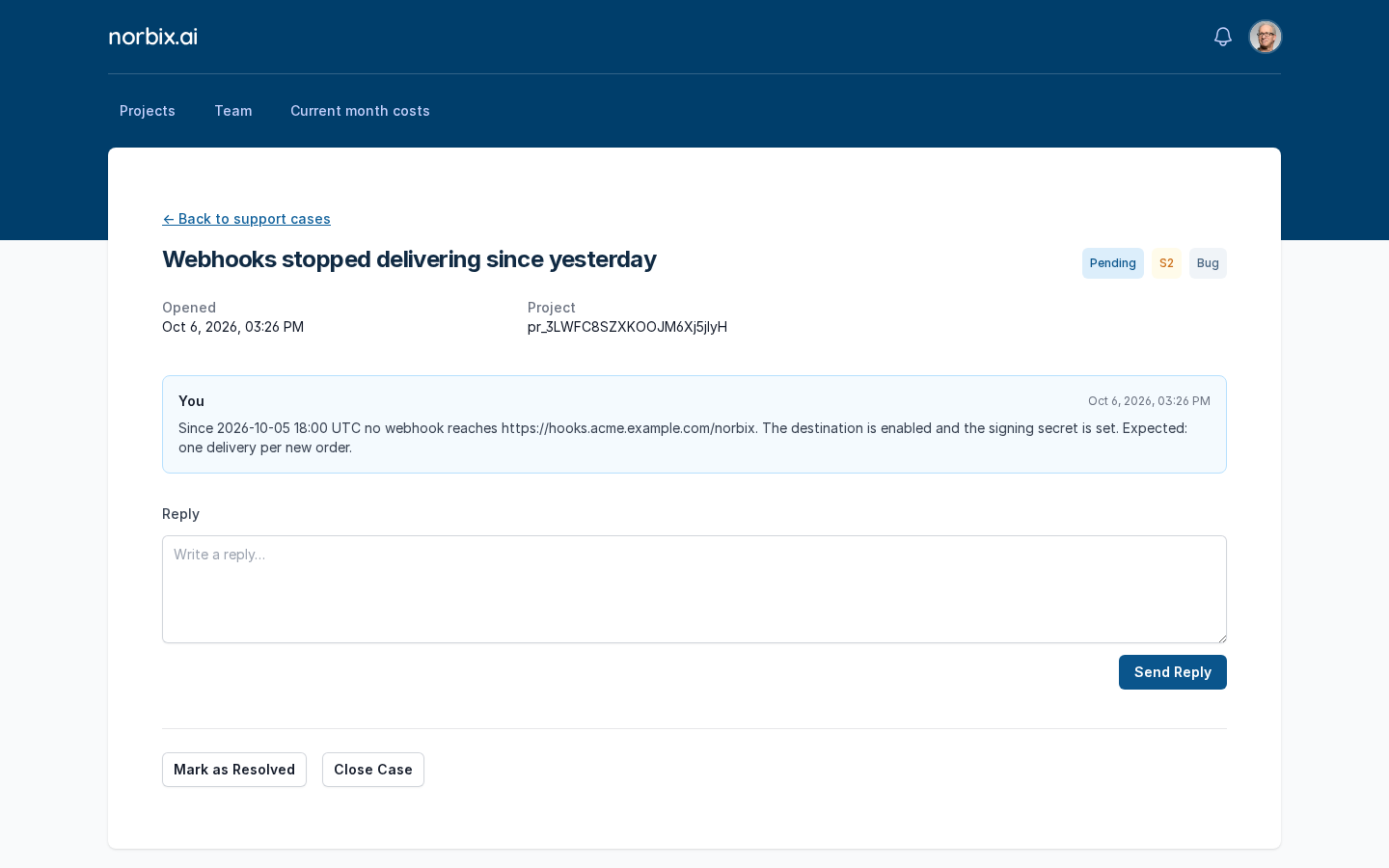
Cloud shows **Support case has been opened** and opens the case page: the subject, the status badges (**Pending**, severity, kind), when it was opened, the project, and the conversation with your first message.
The new case.
To add more, type in **Reply** and press **Send Reply** (**Reply has been sent**). The list on **Support** shows every case with **Subject**, **Kind**, **Severity**, **Status**, **Opened**, **Messages** and **Last Activity**.
After a reply.
The case in the list.
## Change or remove it later
* **Mark as Resolved** — fill **What was the problem?**, **Symptoms (one per line)** and **What fixed it?** (plus **Extra detail (optional)**) and press **Confirm Resolve**.
* **Close Case** — closes it without a resolution.
* **Reopen Case** — on a resolved or closed case, write **Why are you reopening this case?** and press **Confirm Reopen**. When the reopen window has passed, the page offers **Open a new case** instead.
* Cases cannot be deleted.
## Do it from code
```ts
const { list } = await norbix.hub.support.getSupportCases({});
console.log(list.items.map((c) => [c.viewId, c.subject, c.status]));
// [["sup_4GFbPa6kfQhs5PqjuPAIzJ", "Webhooks stopped delivering since yesterday", "Open"]]
```
```sh
norbix hub support cases get
```
The client setup is on the [Account page](/codemash/cloud/account.md#use-it-from-code). API: the support endpoints have no generated reference page yet; see the [Account API](/codemash/api-reference/account.md) and the SDK's `norbix.hub.support` methods.