> For the complete documentation index, see [llms.txt](https://codemash.gitbook.io/codemash/llms.txt). Markdown versions of documentation pages are available by appending `.md` to page URLs; this page is available as [Markdown](https://codemash.gitbook.io/codemash/cloud/account/sign-in.md).
# Sign up and sign in
Create your Norbix account and sign in to Cloud.
**Where:** `https://cloud.norbix.ai/register` (sign up) · `https://cloud.norbix.ai/login` (sign in)
## Before you start
* An email address you can use for work. On the managed service nothing else is needed — see [Managed service](/codemash/get-started/managed-service.md).
* On a self-hosted installation use your installation's Cloud address. The first sign-in there uses the one-time admin password of the installation (the sign-in page shows where to find it).
## Steps
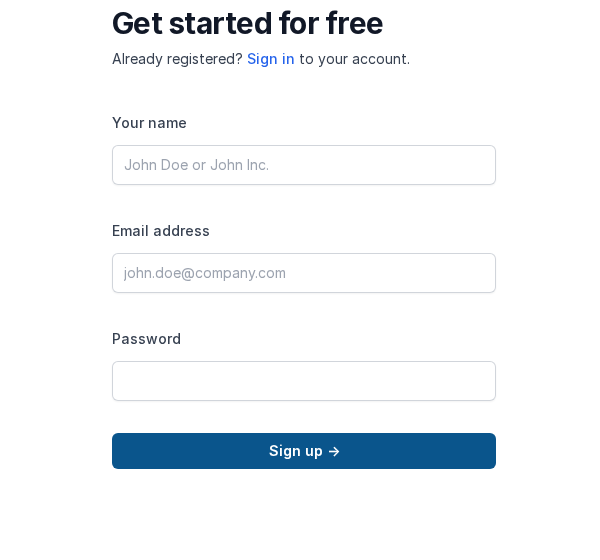
1. Open `/register`. The page says **Get started for free**.
The sign-up form.
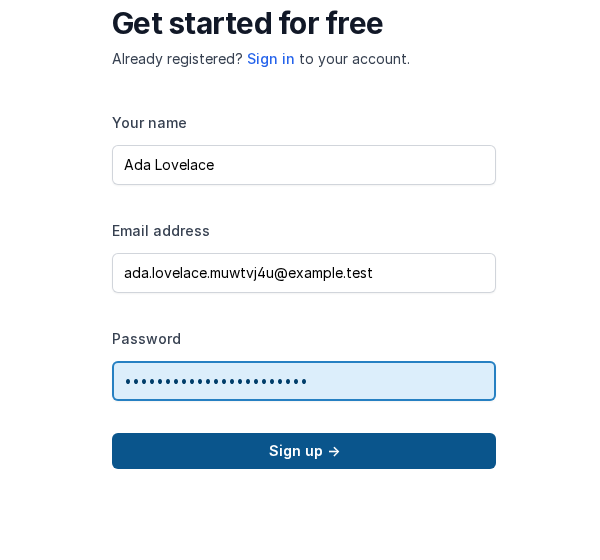
2. Fill in the form and press **Sign up**:
| Field | Required | What it does | Example |
| ------------- | -------- | -------------------------------------------------------------------------------------------------------------------- | -------------------------- |
| Your name | yes | The account name, shown to people you invite. Change it later on [Your Profile](/codemash/cloud/account/profile.md). | `Ada Lovelace` |
| Email address | yes | Your sign-in name. It cannot be changed later. | `ada.lovelace@example.com` |
| Password | yes | Your password. | — |
Filled in.
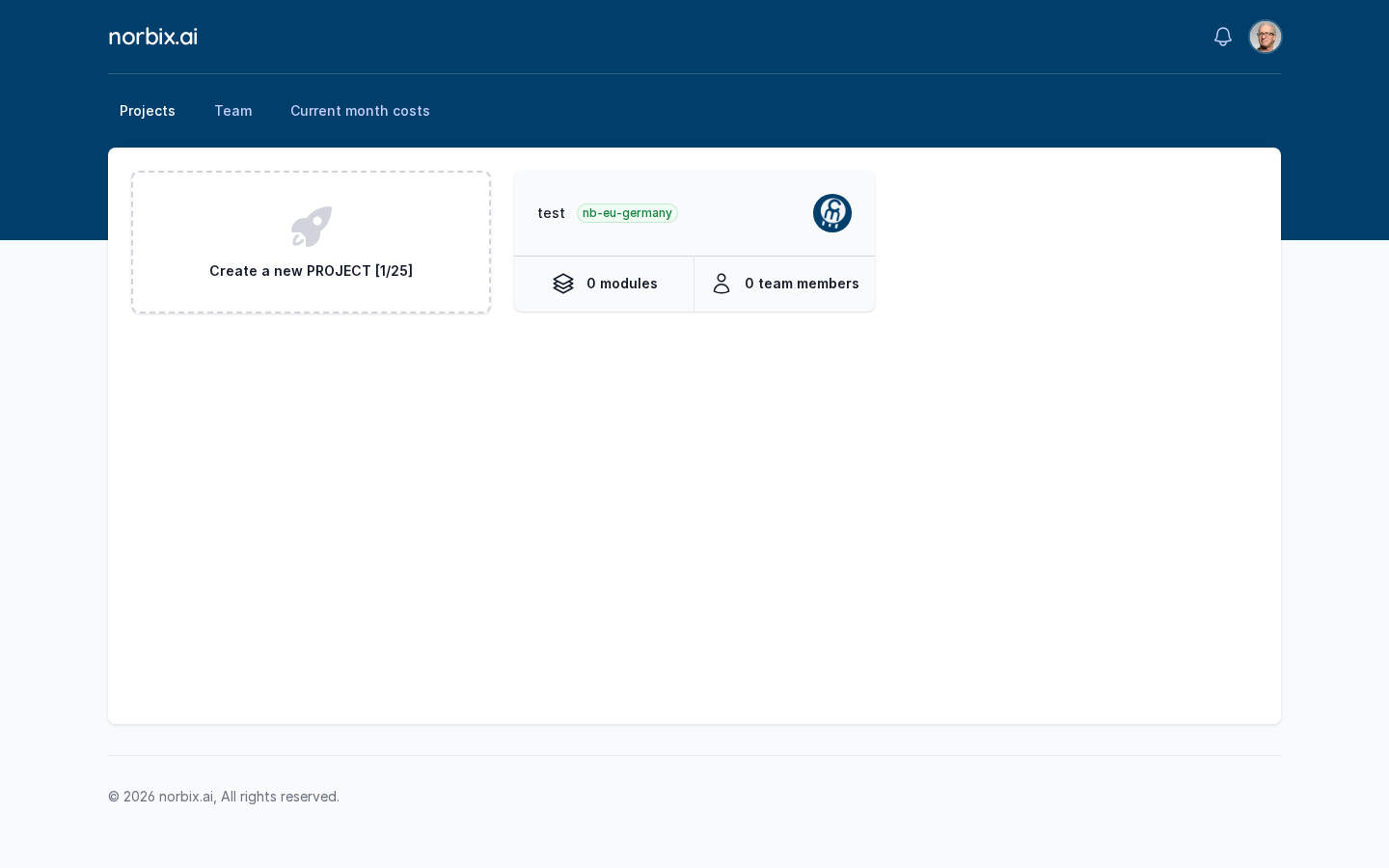
3. Cloud signs you in at once and opens **Projects**. A new account has no projects and no subscription yet, so the card reads **Create a new PROJECT** without a counter.
A brand-new account.
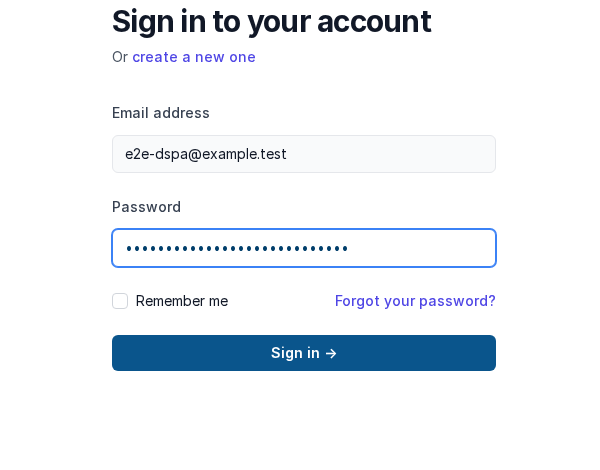
4. Next time, open `/login` (**Sign in to your account**), enter **Email address** and **Password**, and press **Sign in**. Tick **Remember me** to stay signed in on this browser.
The sign-in form.
## Result
You land on **Projects** with the menu bar **Projects · Team · Current month costs** and your avatar menu in the top right. An account with a subscription shows its project counter on the card, for example `[1/25]` — one project used, 25 allowed.
Signed in.
A team member who was created with a temporary password is sent to a **change password** page after the first sign-in, and must set a new password before going on (see [Team](/codemash/cloud/account/team.md)).
{% hint style="warning" %}
**Forgot your password?** on the sign-in page does not open anything yet. If you lost your password, ask an account administrator or open a case from a colleague's account in [Support](/codemash/cloud/account/support.md).
{% endhint %}
## Change or remove it later
* **Name, phone, contacts** — [Your Profile](/codemash/cloud/account/profile.md).
* **Sign out** — avatar menu → **Sign out**.
* **Delete the account** — there is no screen for it; open a [support case](/codemash/cloud/account/support.md).
## Do it from code
```ts
// a client built as on the Account page (bearer token of the signed-in account)
const me = await norbix.hub.account.getMyAccountUserProfile({});
console.log(me.item.id, me.item.email); // usr_2kSuro5ghaLVxyIWhMce7J e2e-dspa@example.test
```
```sh
norbix account status
```
API: [Get My Account User Profile](/codemash/api-reference/account/me/get-my-account-user-profile.md)